
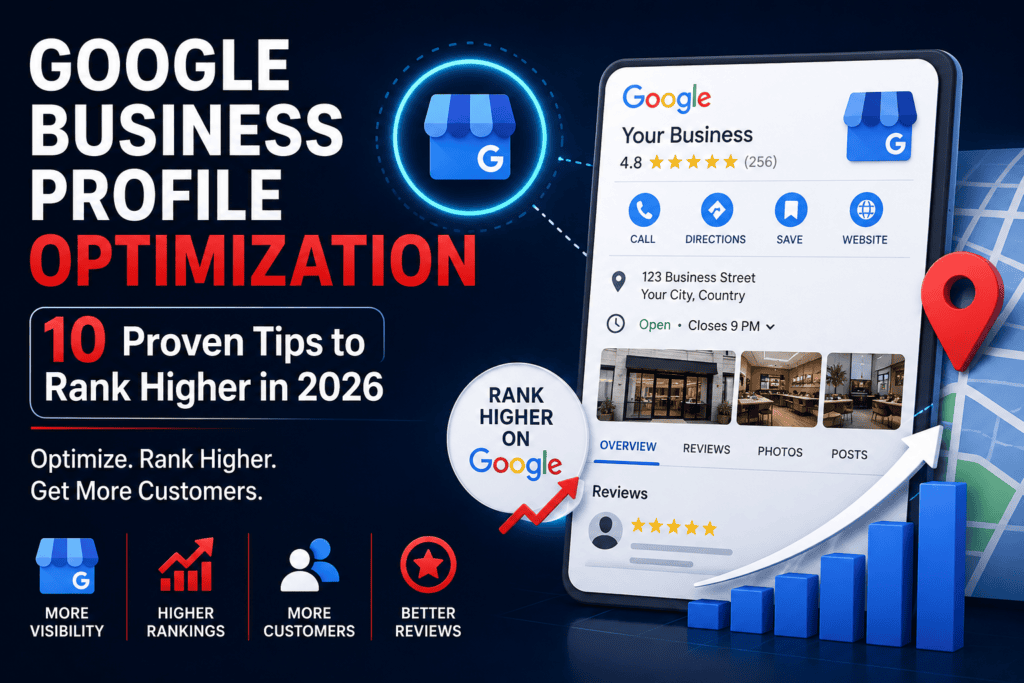
Google Business Profile Optimization: Complete Guide (2026)
If you run a local business, Google Business Profile Optimization is one of the fastest ways to get found by nearby customers. A well-optimized profile helps you show up on Google Maps, appear in the local “map pack,” and win more calls, visits, and sales — without spending a rupee on ads.
In this guide, you’ll learn exactly how to optimize your Google Business Profile, step by step, even if you’re a complete beginner.
Table of Contents
- What Is Google Business Profile Optimization?
- Why Google Business Profile Optimization Is Important for Local SEO
- 10 Proven Google Business Profile Optimization Tips
- Common Google Business Profile Optimization Mistakes
- Google Business Profile Optimization vs Website SEO
- Best Free Tools for Google Business Profile Optimization
- Google Business Profile Optimization Checklist
- Conclusion
- FAQs
What Is Google Business Profile Optimization?
Google Business Profile Optimization is the process of improving your free Google listing so it ranks higher in local search results and Google Maps.
This includes completing your business details, adding photos, collecting reviews, and posting regular updates. Think of it as your digital storefront. When someone searches “near me,” Google shows the most complete and active profiles first.
A basic listing gets you noticed. An optimized one gets you chosen.
Why Google Business Profile Optimization Is Important for Local SEO
Most customers today search on their phones before they visit a store. They check ratings, photos, and hours before making a decision.
That’s why Google Business Profile Optimization matters so much for local SEO. It directly affects whether you appear in the local map pack, the top three results shown above regular search listings. Manage your listing directly from here Google Business Profile Manager
Here’s what a strong profile helps you do:
- Rank higher on Google Maps SEO results
- Build instant trust through reviews and photos
- Get more calls, direction requests, and website clicks
- Compete with bigger brands using a free tool
If you also want long-term visibility, pair this with a solid Local SEO strategy for small businesses and a fast, mobile-friendly website.
10 Proven Google Business Profile Optimization Tips
Ready to optimize your Google Business Profile the right way? Follow these ten proven steps in order.
1. Complete Every Business Information Field
Fill in your name, address, phone number, category, hours, and website. Incomplete profiles rank lower and confuse customers.
Make sure your business name matches your signage exactly. Google penalizes keyword stuffing in your business name.
2. Choose the Right Categories
Your primary category tells Google what you do. Pick the most accurate one first, then add relevant secondary categories.
This single step has a huge impact on Google Business Profile ranking, so don’t rush it.
3. Add High-Quality Photos
Profiles with photos get far more direction requests and website clicks than those without. Add photos of your storefront, team, products, and interior.
Update your photos every month to signal an active, trustworthy business.
4. Collect Customer Reviews
Reviews are one of the strongest local ranking signals. Ask happy customers to leave a review right after a purchase or service.
A steady stream of new reviews beats a one-time rush of dozens.
5. Respond to Every Review
Reply to both positive and negative reviews politely and quickly. This shows Google, and future customers, that you’re active and care about feedback.
Never ignore a negative review. A calm, helpful response often builds more trust than a five-star rating alone.
6. Post Weekly Updates
Use the Posts feature to share offers, events, or news. Weekly posts keep your profile fresh and give customers a reason to check back.
This is an easy, often-overlooked part of Google Business Profile Optimization.
7. Add Products & Services
List your products or services with clear names, descriptions, and prices where possible. This helps Google match your profile to more specific searches.
It also lets customers understand your offerings before they even call.
8. Enable Messaging
Turn on messaging so customers can chat with you directly from your profile. Fast replies increase the chance of turning a browser into a buyer.
9. Optimize Business Description
Write a clear, keyword-rich business description that explains who you are and what you offer. Naturally include terms like Google Business Profile for small business without stuffing.
Keep it honest, specific, and easy to read.
10. Track Insights
Check your profile’s Insights tab regularly. It shows how customers find you, what actions they take, and which searches bring them in.
Use this data to refine your Google Business Profile Optimization efforts month over month.
Common Google Business Profile Optimization Mistakes
Avoid these mistakes if you want consistent local rankings:
- Leaving business hours outdated or incorrect
- Using a fake or stuffed business name
- Ignoring negative reviews for weeks
- Uploading blurry or outdated photos
- Never posting updates or offers
- Choosing the wrong primary category
Fixing even one of these mistakes can noticeably improve your Google Business Profile ranking.
Google Business Profile Optimization vs Website SEO
Both matter, but they serve different purposes. Here’s how they compare:
| Factor | Google Business Profile Optimization | Website SEO |
|---|---|---|
| Cost | Free | Free to paid |
| Setup Time | Quick (1–2 hours) | Weeks to months |
| Best For | Local, “near me” searches | Broader organic search |
| Main Ranking Signals | Reviews, photos, categories | Content, backlinks, technical SEO |
| Visibility | Google Maps & local pack | Search engine results pages |
For most local businesses, the smartest approach combines both. Learn more about why your business needs a website in 2026.
Best Free Tools for Google Business Profile Optimization
These free tools make Google Business Profile Optimization much easier:
- Google Business Profile Manager — manage and update your listing directly.
- Google Maps app — check how your listing appears to customers.
- Google Search Console — track how your website supports local visibility.
- Canva — design simple, professional photos and posts.
- Google Analytics — measure website traffic coming from your profile.
Google Business Profile Optimization Checklist
Use this quick checklist to confirm your profile is fully optimized:
- Business name, address, and phone number are accurate
- Correct primary and secondary categories selected
- At least 10 high-quality photos uploaded
- Business description written with natural keywords
- Products and services added
- Messaging enabled
- Weekly posts scheduled
- Reviews being collected and answered
- Insights checked monthly
Conclusion
Google Business Profile Optimization isn’t a one-time task. It’s an ongoing habit that keeps your business visible, trusted, and easy to choose.
Start with the basics, complete information, real photos, and genuine reviews, then build from there with posts and insights. Small, consistent updates add up to big local SEO wins over time.
Want expert help getting this right? FreakXMedia specializes in Google Business Profile Optimization, Local SEO, and Website Development for small businesses. Contact us today for a free profile review, or explore our SEO Services and Google Ads Services to grow your local visibility even further.
FAQs
1. What is Google Business Profile Optimization? It’s the process of improving your free Google listing, information, photos, reviews, and posts, so it ranks higher in local search and Google Maps.
2. Is Google Business Profile Optimization free? Yes. Creating and optimizing your Google Business Profile costs nothing. You only pay if you choose to run paid ads separately.
3. How long does it take to rank after optimizing my profile? Most businesses see improvements within 4 to 8 weeks, depending on competition, reviews, and consistency of updates.
4. How often should I post on Google Business Profile? Aim for at least one post per week to keep your profile active and relevant.
5. Does Google Business Profile Optimization help website traffic too? Yes. An optimized profile often drives more clicks to your website, supporting your overall Local SEO and Google Maps SEO performance.
6. What’s the biggest ranking factor for Google Business Profile? Reviews and completeness of information are among the strongest factors, closely followed by regular activity like posts and photos.
7. Can I do Google Business Profile Optimization myself? Absolutely. This guide covers everything you need. For faster, hands-off results, an agency like FreakXMedia can manage it for you.
8. Do I need a website if I already have Google Business Profile? Yes. A website builds long-term trust and supports broader SEO, while your profile drives local, map-based visibility.